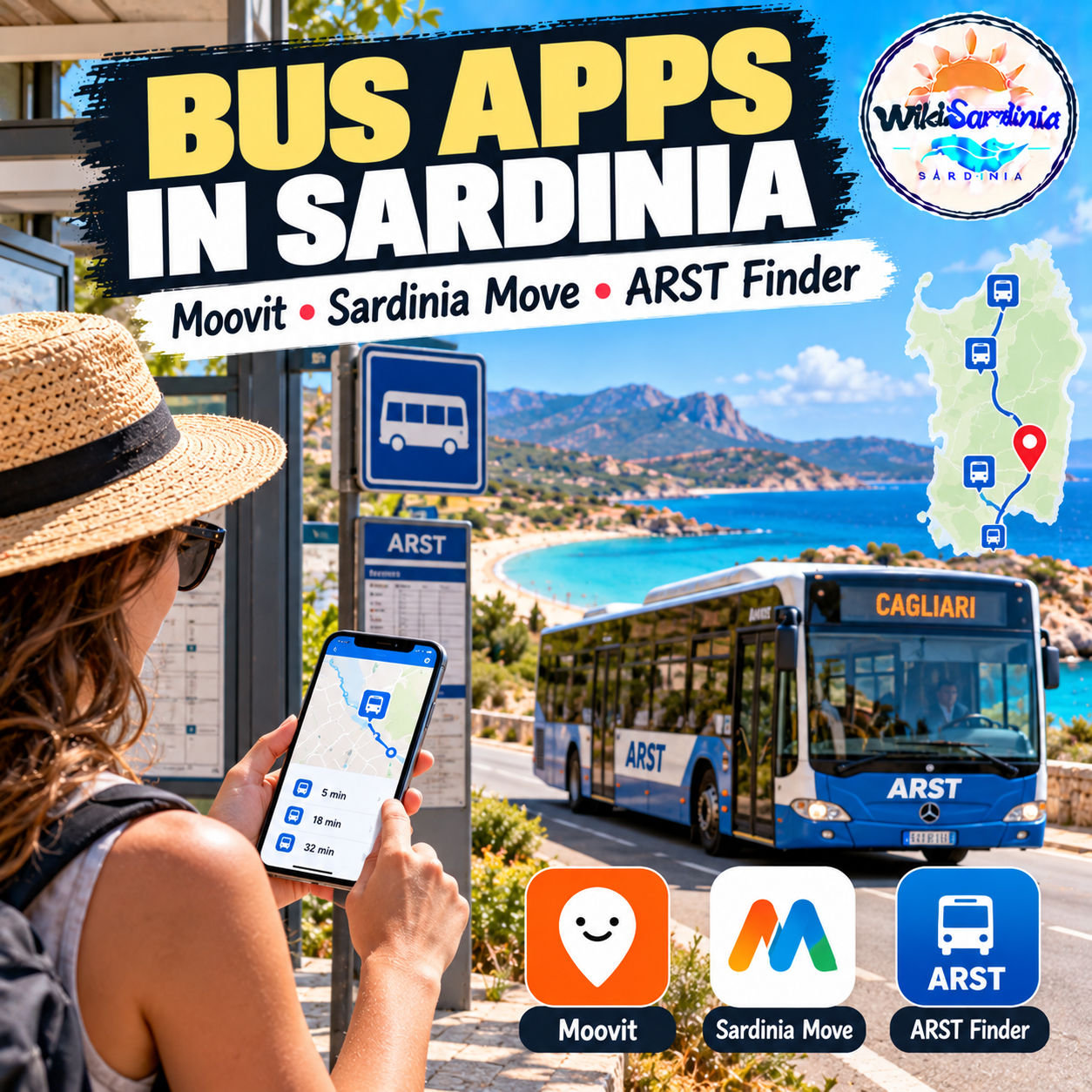
Trying to catch a bus in Sardinia without speaking Italian? A public-transport app in English makes planning much easier, especially when you need to connect an airport, town, beach or rural village. Moovit is a useful starting point, but it is not automatically better for every journey: local apps can provide detailed Sardinian routes, fares and schedules, while real-time vehicle tracking depends on the route and the data available.
1. Moovit: easiest place to start in English
Moovit offers a Sardinia bus-planning page in English, with route maps, schedules, stop information and journey planning. Its app can also show estimated arrivals and service alerts where real-time data is available. This makes it a convenient choice for visitors who want to enter a starting point and destination without navigating an Italian-only interface.
Try the Moovit Sardinia bus planner before travelling. Check the route and departure time carefully, especially for services that run less frequently outside the main towns or during the low season.
2. Sardinia Move: useful for island-wide connections
Sardinia Move combines information for several public-transport operators, including ARST, CTM, urban networks in Sassari, Nuoro and Olbia, regional trains and selected ferry services. Its English-language listing describes route planning, timetables, fares, nearby stops and real-time trip monitoring. It is an independent app that uses official regional open data; it is not an official ARST app.
For a journey involving more than one operator, try Sardinia Move on the App Store or search for Sardinia Move in your device’s app store. Availability and features can differ by device.
3. ARST Finder: helpful for ARST routes and fares
ARST Finder is also available in English. It lets you search routes, schedules, fares and stops, and it uses public transport data released by the Sardinia Region. Its listing says live bus location is available only on selected routes, so do not expect a moving bus marker for every service.
You can check ARST Finder on Google Play if you use Android. Despite its name, the app is independent and is not directly affiliated with ARST.
Which app should you use?
- For an English interface and simple route planning: start with Moovit.
- For connections across several Sardinian operators: compare the itinerary in Sardinia Move.
- For ARST schedules and fares: check ARST Finder as well.
- For live tracking: use whichever app actually shows real-time information for your specific line and stop; scheduled times alone do not prove where a bus is right now.
The Sardinia Mobility portal’s list of public-transport apps explains that several local and international developers use regional open data. Comparing two apps for an important connection is sensible, because data coverage and live updates can vary.
Tips for catching buses in Sardinia
Save your route and stop before leaving your accommodation, and take a screenshot of the timetable if you expect weak mobile coverage. Check whether the service runs on Sundays or public holidays, and allow extra time for connections. For a remote beach or small village, confirm the return journey before boarding: the last bus may leave much earlier than you expect.
Also check how tickets must be bought and validated. App-based journey planning does not necessarily mean that every bus ticket can be purchased in the same app or onboard. Follow the operator’s instructions and keep your ticket available for inspection.
The short answer
If you do not speak Italian, Moovit is a good English-language starting point for bus journeys in Sardinia. Still, keep Sardinia Move or ARST Finder as a backup for local routes, schedules and fares. No single app guarantees live tracking on every line, so verify the details for your specific journey before setting off.